Popovers

43 components, 41 with React code

Filter popovers, column pickers, date range pickers and notifications: the small overlays that make tables and charts usable.

Table filters and column settingsDate range selectionNotification panels
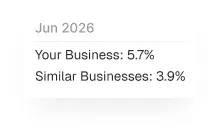
TooltipLoopoCodeFree
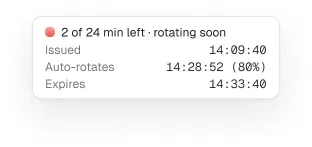
Comparison tooltip component preview
Comparison tooltipLoopoCodeFree
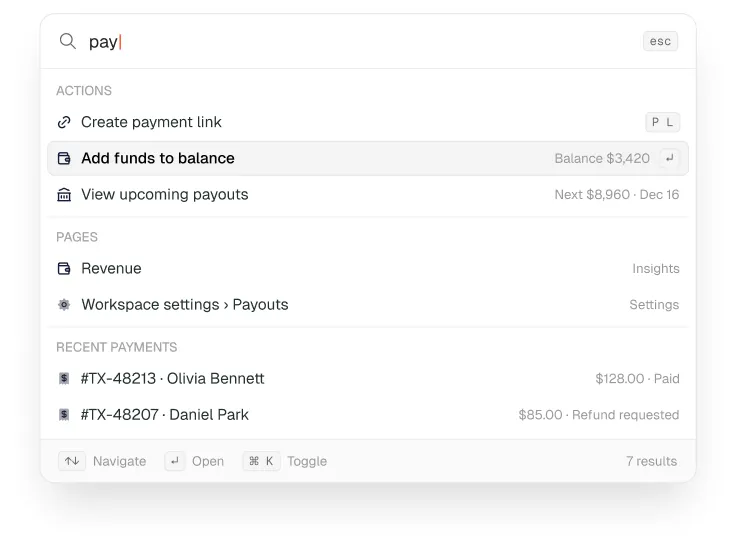
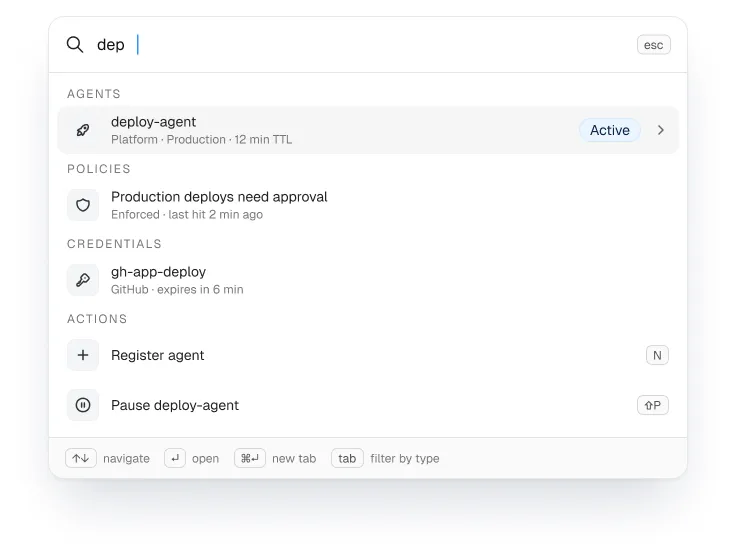
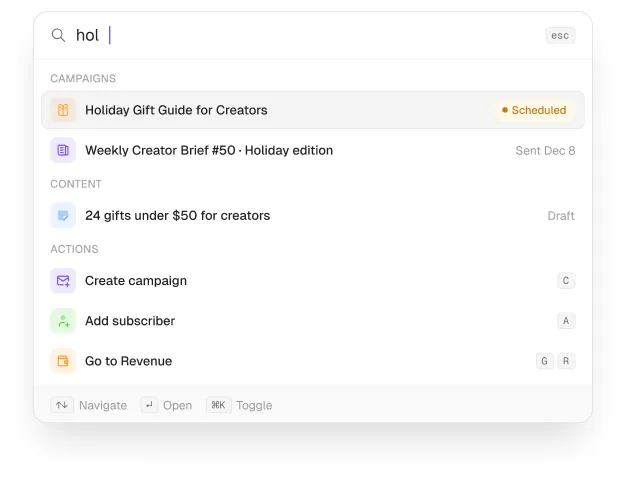
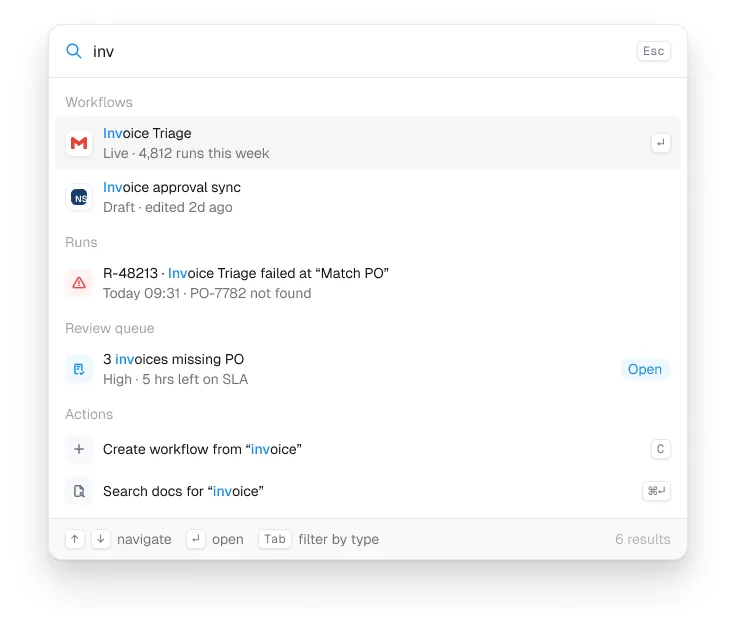
Command palette component preview
Command paletteLoopoCodeFree
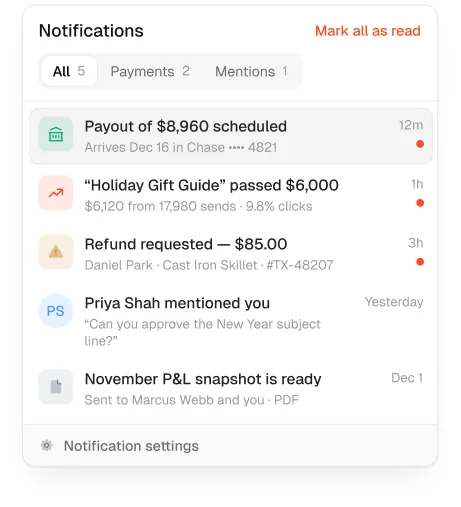
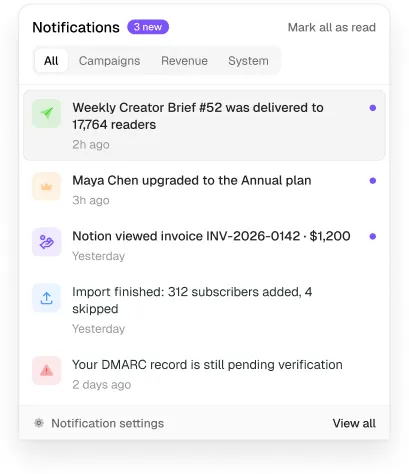
Notifications popover component preview
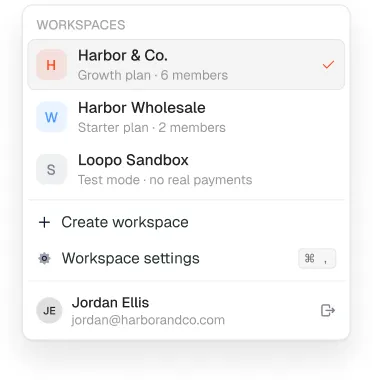
Workspaces popover component preview
Workspaces popoverLoopoCodeFree
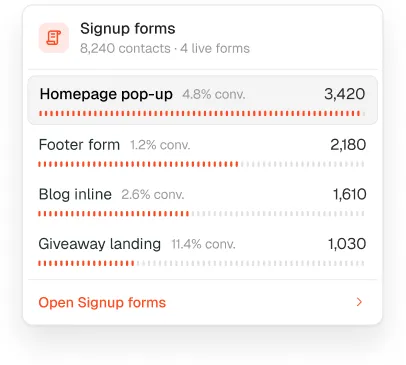
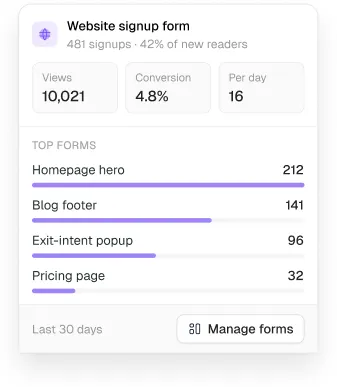
Signup forms popover component preview
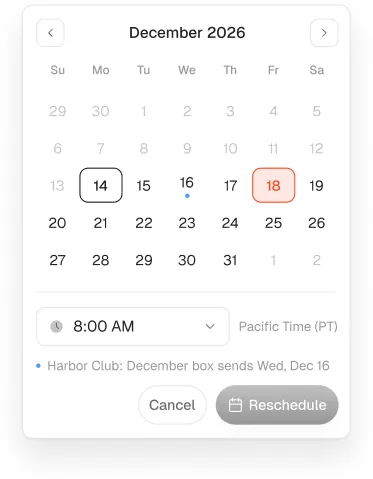
Reschedule popover component preview
Reschedule popoverLoopoCodeFree
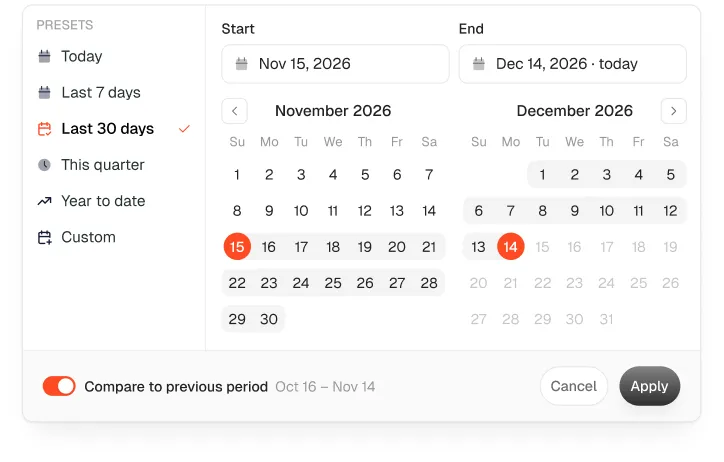
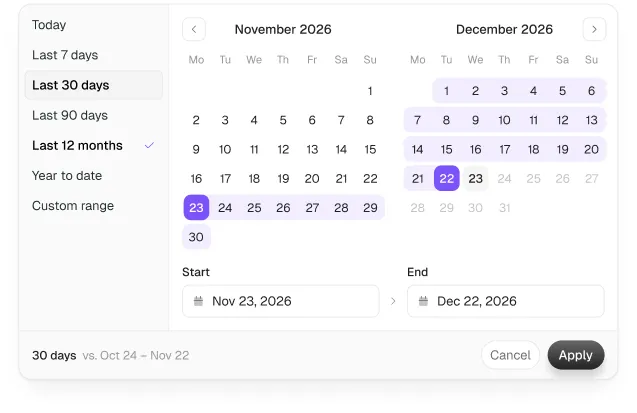
Date range popover component preview
Date range popoverLoopoCodeFree
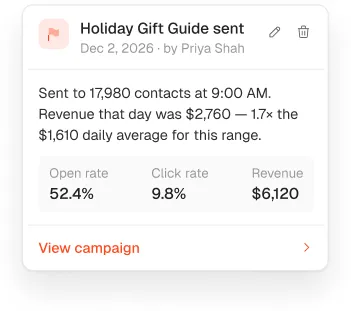
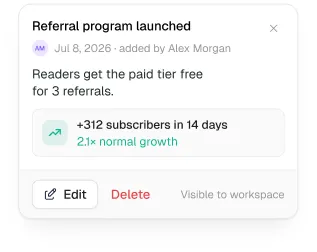
Annotation popover component preview
Annotation popoverLoopoCodeFree
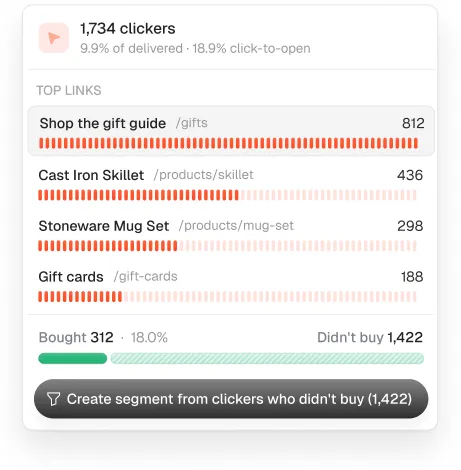
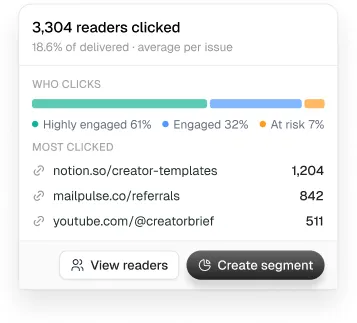
Clicked popover component preview
Clicked popoverLoopoCodeFree
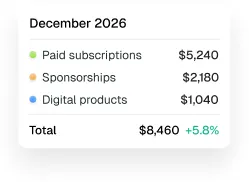
Tooltip component preview
TooltipAutonCode Pro
Command palette component preview
Command paletteAutonCode Pro
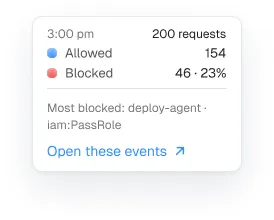
Chart tooltip component preview
Chart tooltipAutonCode Pro
Source breakdown popover component preview
Source breakdown popoverMailPulseCode Pro
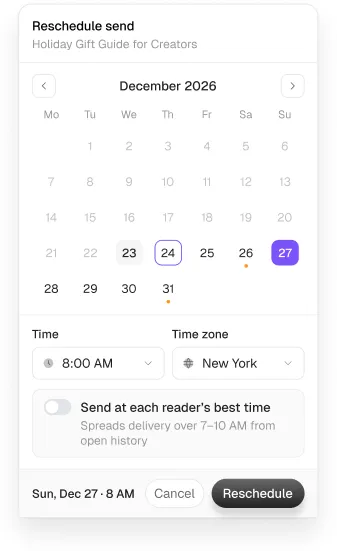
Reschedule popover component preview
Reschedule popoverMailPulseCode Pro
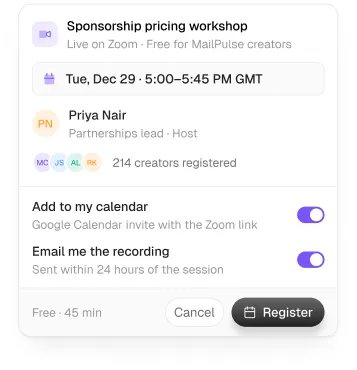
Register popover component preview
Register popoverMailPulseCode Pro
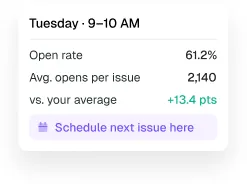
Tooltip Heatmap cell component preview
Tooltip Heatmap cellMailPulseCode Pro
Funnel step popover component preview
Funnel step popoverMailPulseCode Pro
Command palette component preview
Command paletteMailPulseCode Pro
Notifications popover component preview
Notifications popoverMailPulseCode Pro
Tooltip Month component preview
Tooltip MonthMailPulseCode Pro
Date range popover component preview
Date range popoverMailPulseCode Pro
Annotation popover component preview
Annotation popoverMailPulseCode Pro
Command palette component preview
Command paletteAxonCode Pro
Browse and filter all 43

Every popovers component, by system

Questions

When should I use a popover?

For small, optional controls tied to one element, such as filters on a table. Anything larger or blocking belongs in a modal or drawer.

Guides