Top admin dashboard templates for Next.js in 2027, ranked by what you actually ship
By Wolfpixel5 min read
A good Next.js admin dashboard template gives you the screens your users open daily (overview, tables, detail drawers, settings and create flows) in one consistent look, on React 19 and Tailwind v4. If you want a free starting point, fork TailAdmin or the shadcn/ui dashboard example. If you want a finished, domain-specific admin, use a Ingot UI system: Vantage for business admin, Auton for AI agent operations, Axon for workflow automation, Veriq for security and MailPulse for newsletters.
Summarize withChatGPTClaudePerplexity
On this page
We are Wolfpixel, and admin dashboards are most of what we design. The pattern we see in almost every project is the same: the team forks a template on day one, ships fast for two weeks, then spends two months fighting it. The template had a sales chart and a user table; the product needed a review queue, a credential rotation drawer and a policy editor.
So this list is ranked by one question: how many of your real screens does the template already contain? Ingot UI systems are ours, and we say where a free template is the better call.
What a Next.js admin template should include in 2027
- Current stack. React 19, Next.js App Router, Tailwind CSS v4 and accessible primitives (Base UI or Radix). Anything older will cost you an upgrade before launch.
- Shell and navigation. A sidebar that collapses, a top bar with search, breadcrumbs and a workspace switcher.
- The boring screens. Settings, team and roles, billing, audit log, integrations. These are where templates usually stop and where users judge quality.
- Overlays. Create and edit modals, confirm dialogs, detail drawers, filter popovers and row menus.
- States. Empty, loading, error and no-results views for every table.
- Tokens. One file of colours, radii and type so the template becomes your product, not someone else’s demo.
The ranked list
1. Vantage
Admin at a glance
- In Figma
- 384
- With React code
- 350
- Source screens
- 70
- Charts
- 43
- Plan
- Pro
Best for: SaaS and finance admin: customers, subscriptions, collections, retention, projections and revenue targets.
- 16 full page templates and 384 components from 70 product screens.
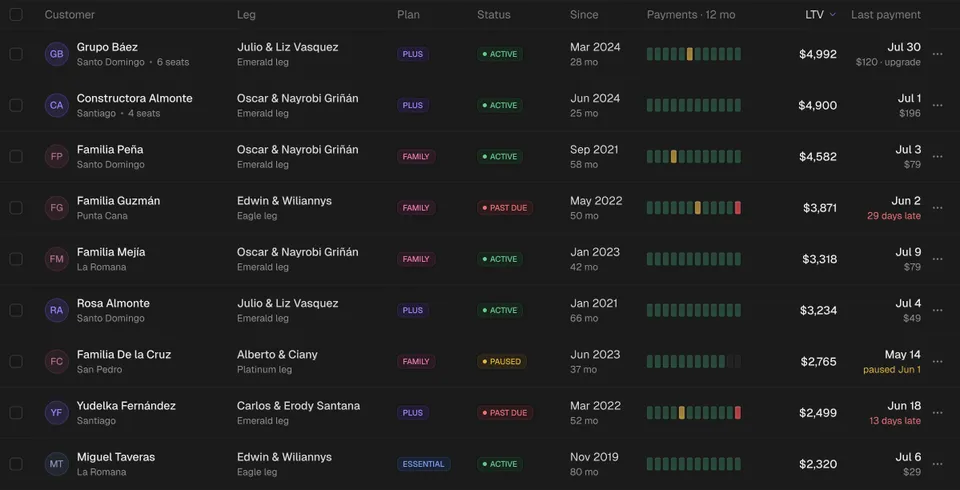
- 17 KPI components and retention grids for the overview most founders open every morning.
- Create flows already drawn: revenue targets, segments, scenarios, collections, task assignment.
Try:Business pageCustomers tableAt-risk tableSave scenario modal
Open Vantage2. Auton
Automation control room
- In Figma
- 279
- With React code
- 259
- Source screens
- 71
- Charts
- 58
- Plan
- Pro
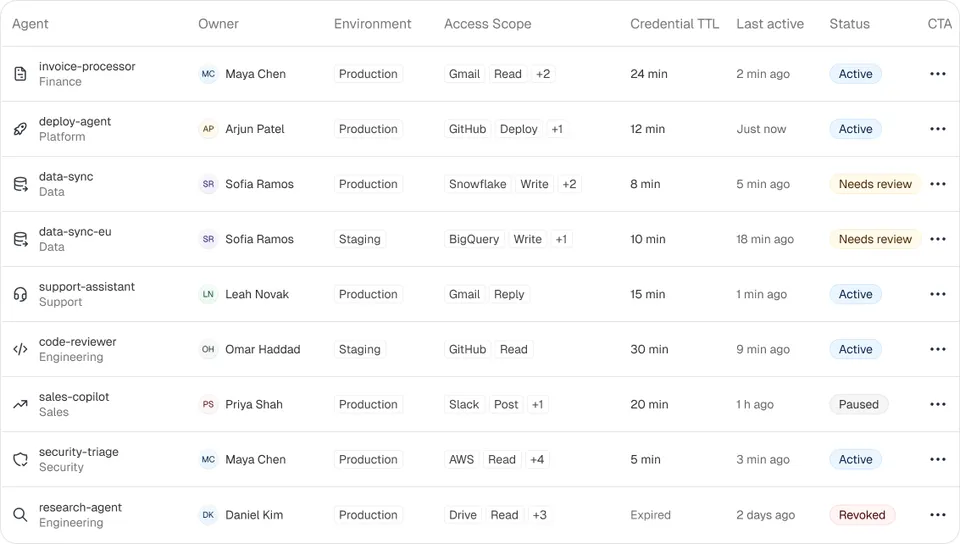
Best for: AI agent platforms and internal tools that need access policies, credentials, approvals and an audit log.
- 8 page templates including agents, access policies and approvals.
- 58 modals and 27 drawers: deploy agent, version history, roles and permissions, export audit events.
- Table row actions, column customisation and filter popovers already designed.
Try:Agents pageApprovals pagePolicies tableVersion history drawer
Open Auton3. Axon
Dense data, calm chrome
- In Figma
- 292
- With React code
- 257
- Source screens
- 81
- Charts
- 42
- Plan
- Pro
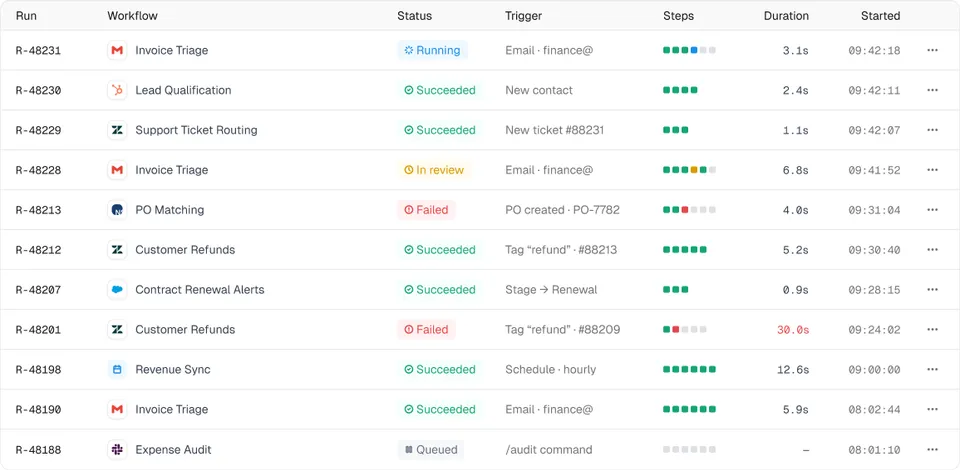
Best for: workflow and automation products with builders, run logs, exceptions, connectors and usage billing.
- 16 page templates across workflows, AI configuration, review queue, audit log and analytics.
- 81 tables and lists, the most of any system.
- Connector and data-source modals for integration-heavy products.
Try:AI Configuration pageRuns tableAdd a connector modalNotification preferences drawer
Open Axon4. Veriq
Trust and verification
- In Figma
- 255
- With React code
- 236
- Source screens
- 58
- Charts
- 51
- Plan
- Pro
Best for: security and developer platforms: vulnerabilities, secrets, attack paths, AI pentests and team access.
- 13 page templates, from attack paths to AI pentests.
- Settings, billing, API keys and webhook forms that most templates skip.
- Members table and invite flows for team access.
Try:Attack Paths pageMembers tableInvite member modalbilling-api drawer
Open Veriq5. MailPulse
Violet newsletter growth
- In Figma
- 302
- With React code
- 278
- Source screens
- 68
- Charts
- 22
- Plan
- Pro
Best for: newsletter, creator and email tools: audience, campaigns, automations, segments and revenue.
- 14 page templates and 44 table and list components.
- Integration cards (Stripe, WordPress, Google Analytics) and connect flows.
- Help centre and settings screens for a complete product, not just a dashboard.
Try:Audience pageCampaigns tableConnect Stripe modalInvite teammates modal
Open MailPulse6. Loopo
Warm analytics, soft surfaces
- In Figma
- 340
- With React code
- 351
- Source screens
- 72
- Charts
- 32
- Plan
- Free
Best for: a free admin starting point with a warm analytics look, in React and Figma.
- Free: 30 hand-built React components and 15 page templates in Figma.
- A ready sidebar, top bar and data table in code.
- 36 modals in the Figma library, 36 with React code.
Try:Sidebar navigationData tableAudience pageImport contacts modal
Open Loopo7. TailAdmin
Best for: a free, fork-and-go admin. TailAdmin has free React and Next.js versions on Tailwind with many generic pages. Pick it for internal tools where looking distinctive does not matter.
8. The shadcn/ui dashboard example
Best for: developers already on shadcn/ui who want a reference layout. The shadcn/ui examples and blocks show a sidebar, charts and a data table built from its primitives. It is a sample, not a product; plan to design the domain screens yourself.
9. MUI templates
Best for: teams committed to Material UI. MUI offers official dashboard templates on its component library. You get breadth and stability, with the Material look unless you invest in theming.
10. Refine
Best for: data-heavy CRUD admins where the plumbing matters more than the look. Refine is a React framework for admin panels with data providers and auth built in, and it pairs with several UI libraries, including Tailwind-based ones.
Template or design system: which do you need?
A template is a finished app you fork. It is fastest on day one and slowest on day ninety, because every change means editing someone else’s pages. A design system is a set of tokens and components you assemble. It is slower on day one and faster for the life of the product.
Ingot systems sit in between: page templates in Figma for the overview, plus every block inside them as its own component, with 1,731 of them available as React code. Fork the layout, keep the parts.
How to adapt an admin template in a week
- 1Day 1: swap the tokens. Colours, radius, type. If the template has no token file, that is your warning sign.
- 2Day 2: rebuild navigation from your real information architecture, not the template’s.
- 3Day 3: wire one real table end to end, with empty, loading and error states.
- 4Day 4: add the detail drawer and the create modal for that table.
- 5Day 5: delete every page you are not using. Unused demo pages ship by accident more often than you would think.
If an AI agent is doing that work, give it the system instead of a screenshot. Our guide to MCP for UI components shows the setup.
Frequently asked questions
What is the best free admin dashboard template for Next.js?
For a generic internal tool, TailAdmin’s free Next.js version or the shadcn/ui dashboard example. For a finished look with React and Figma together, the free Loopo system in Ingot UI.
Do Ingot UI page templates come as React code?
Page templates are in Figma today. The blocks inside them (tables, cards, charts, drawers, modals) are separate components, and 1,731 of them already have React code checked against Figma.
Which admin template works with Tailwind CSS v4?
Ingot UI, TailAdmin and shadcn/ui all support Tailwind v4. Check the template’s changelog for the Tailwind and Next.js versions before you fork.
Should I use a template or build my admin from scratch?
Use a template or design system for the shell, tables and overlays, and spend your design time on the two or three screens unique to your product.
About the author
Wolfpixel is the product design studio that designed the six Ingot UI systems from real dashboard projects, and checks every generated React component against its Figma original before it ships. Read more on wolfpixel.agency.