Dashboard UI kit
Dashboard UI kit for Figma and React
9 complete dashboard UI kits, each built from a real product: KPI cards, charts, data tables, filters, modals, drawers, settings and full page templates, in Figma and in React + Tailwind code that matches. Start with the free Loopo kit.
Free to start. Commercial use included.
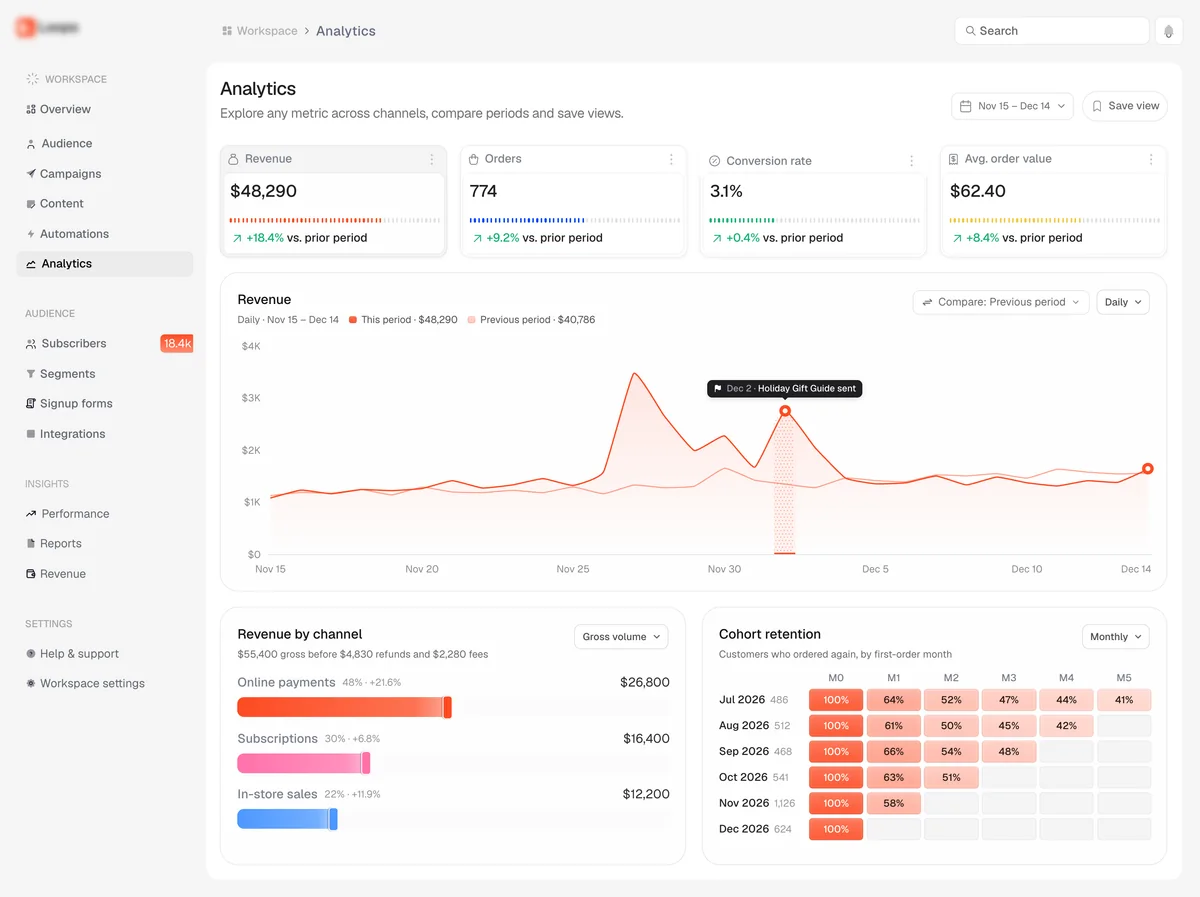
What is in the dashboard UI kit
Counted from the library at every release.
- complete kits, one per product type
- 9
- components in Figma
- 2,652
- with React + Tailwind code
- 2,636
- full dashboard page templates
- 113
- charts
- 396
- KPI cards and stat rows
- 161
- tables and lists
- 320
- modals and drawers
- 489
- icons
- 16,395
Browse it by part: KPI cards, charts, tables, modals, drawers, forms, navigation and page templates.
9 dashboard UI kits, one per product type
Each kit is a complete design system with its own look.
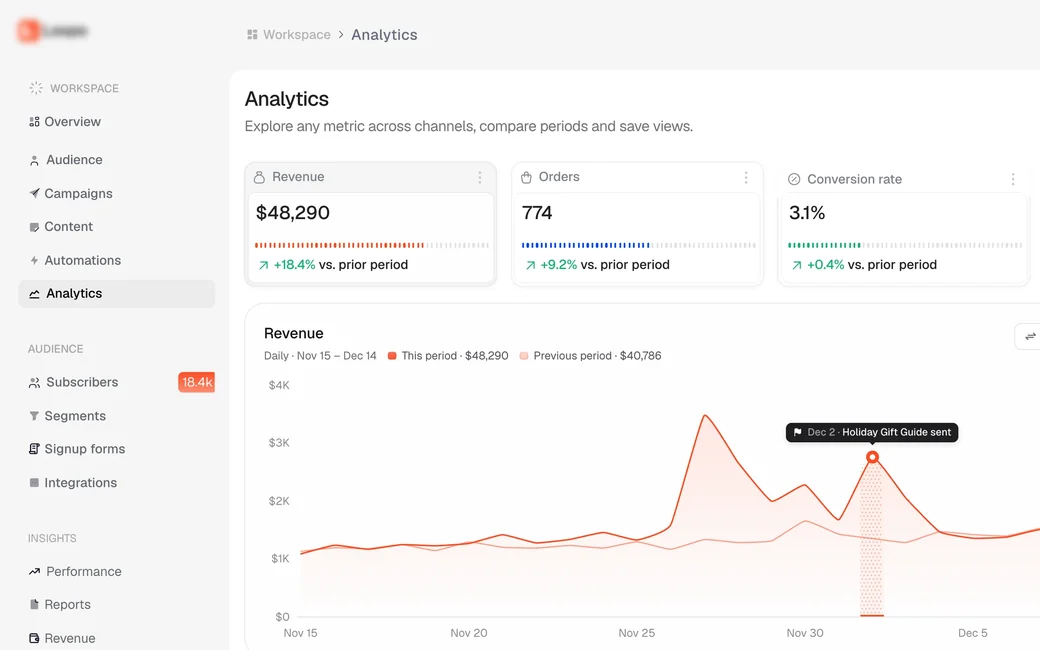
Loopo dashboard UI kit
FreeStore, e-commerce and audience analytics
340 components, 370 in code, 15 page templates
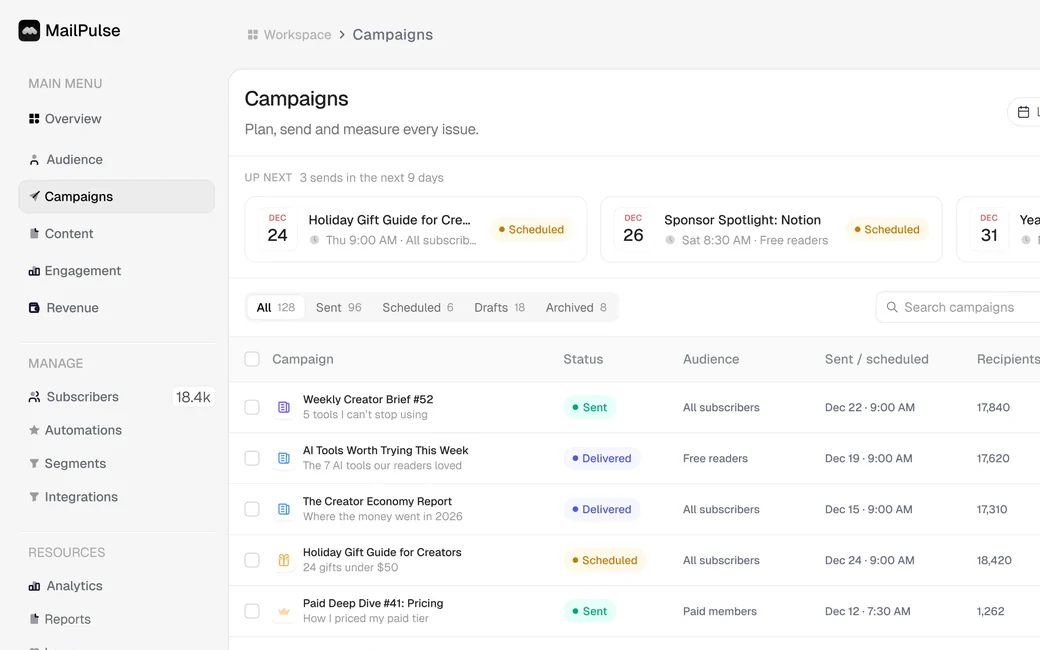
MailPulse dashboard UI kit
ProNewsletters, email marketing and creator tools
302 components, 299 in code, 14 page templates
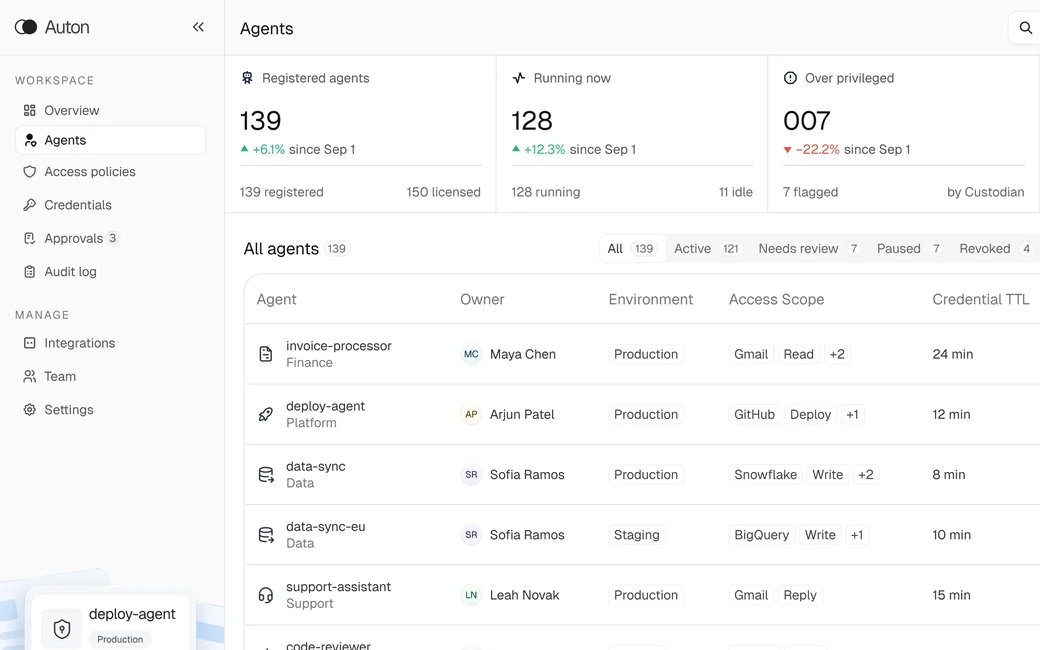
Auton dashboard UI kit
ProAI agent consoles and access governance
279 components, 278 in code, 8 page templates
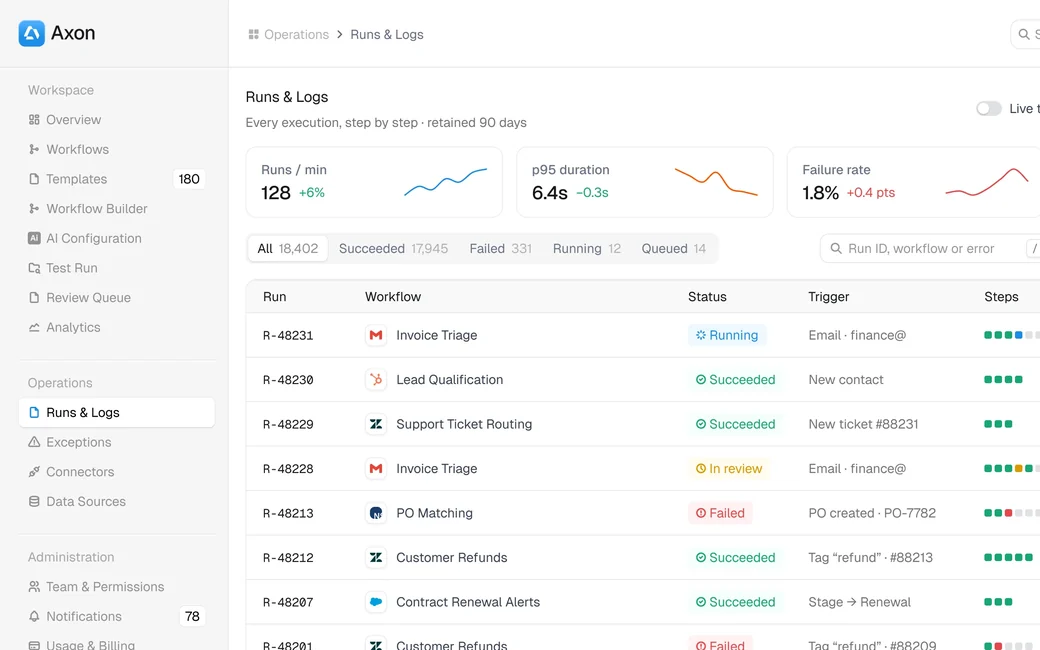
Axon dashboard UI kit
ProWorkflow automation, job runs and pipelines
292 components, 290 in code, 16 page templates
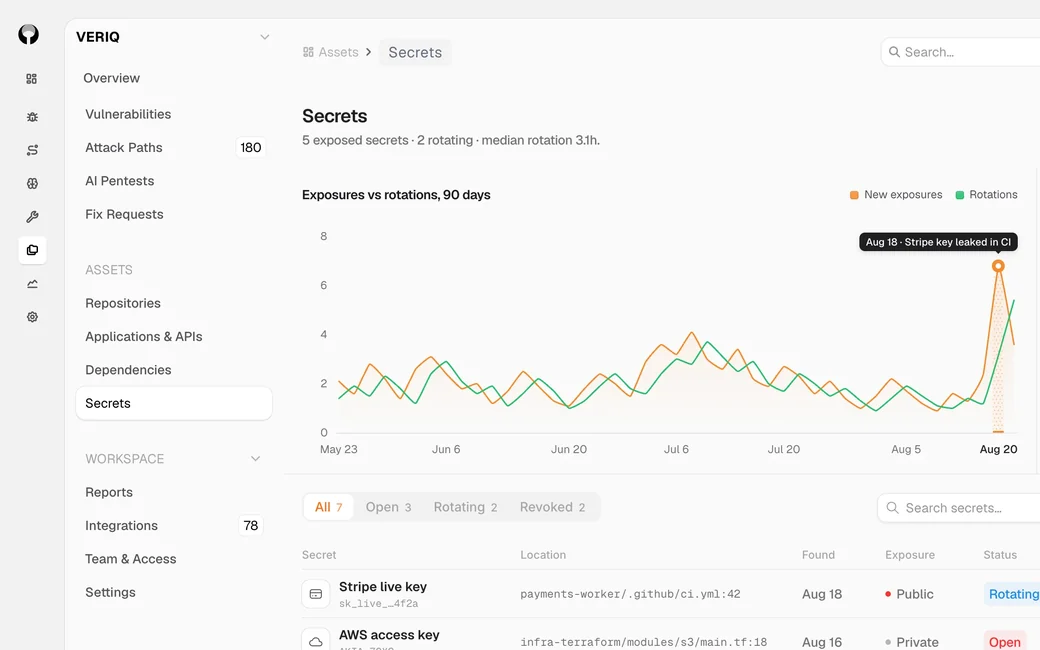
Veriq dashboard UI kit
ProSecurity, compliance and developer tools
255 components, 253 in code, 13 page templates
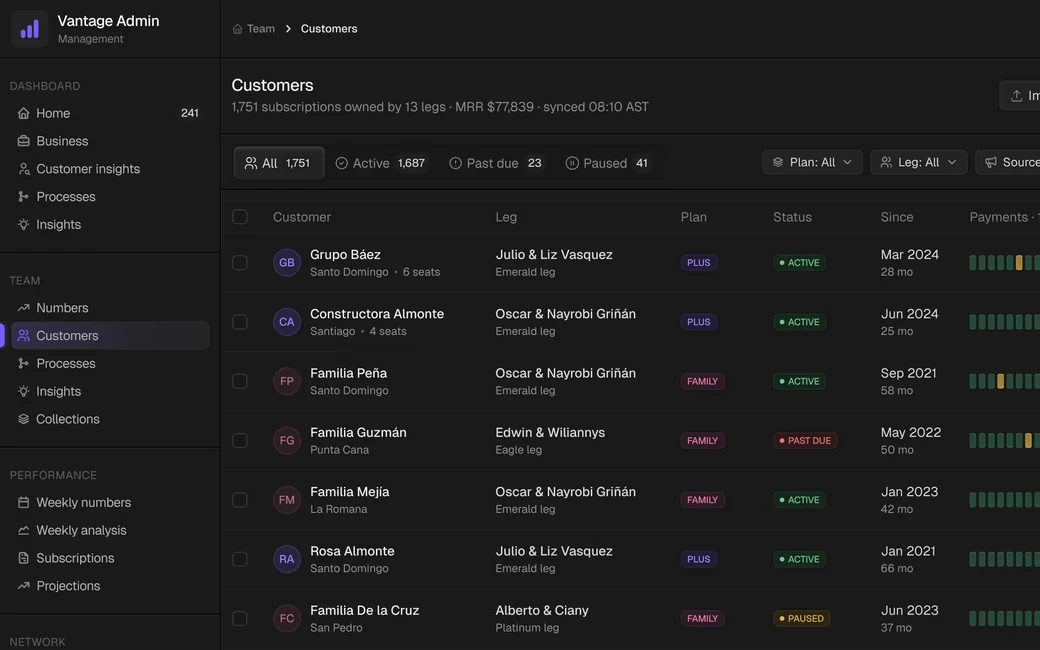
Vantage dashboard UI kit
ProSubscription billing and customer admin
384 components, 377 in code, 16 page templates
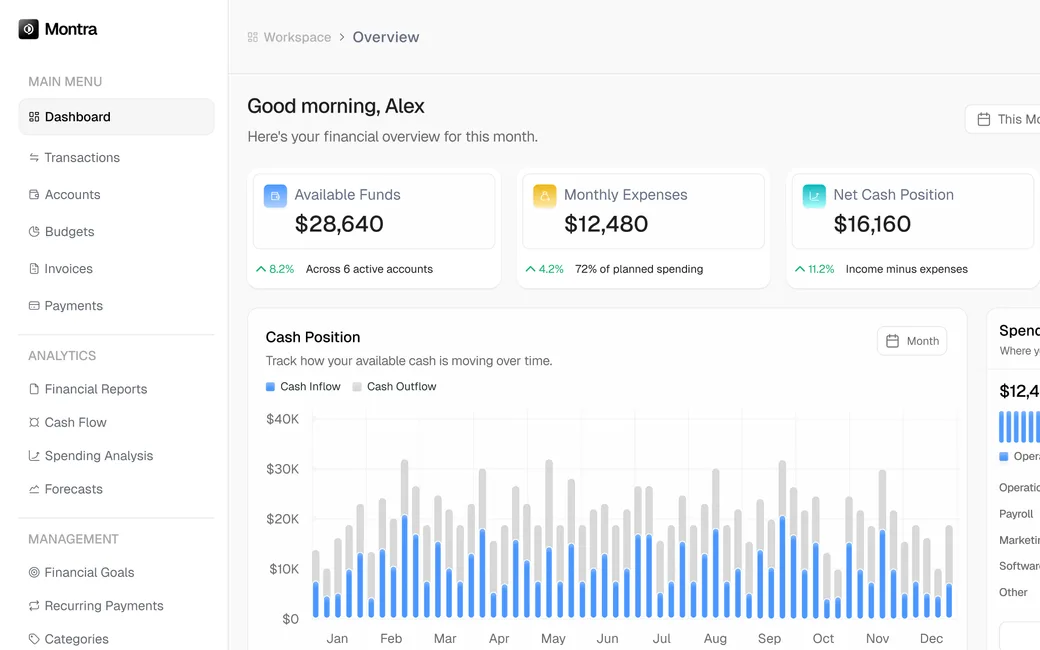
Montra dashboard UI kit
ProBusiness finance, cash flow and accounting
342 components, 342 in code, 11 page templates
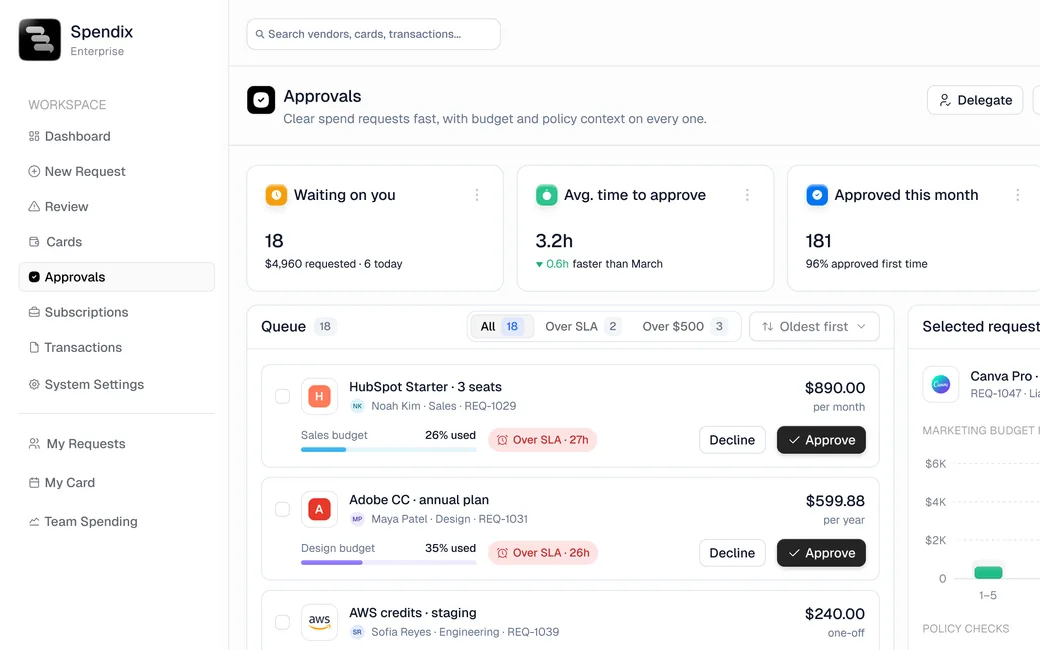
Spendix dashboard UI kit
ProCompany spend, corporate cards and approvals
257 components, 256 in code, 11 page templates
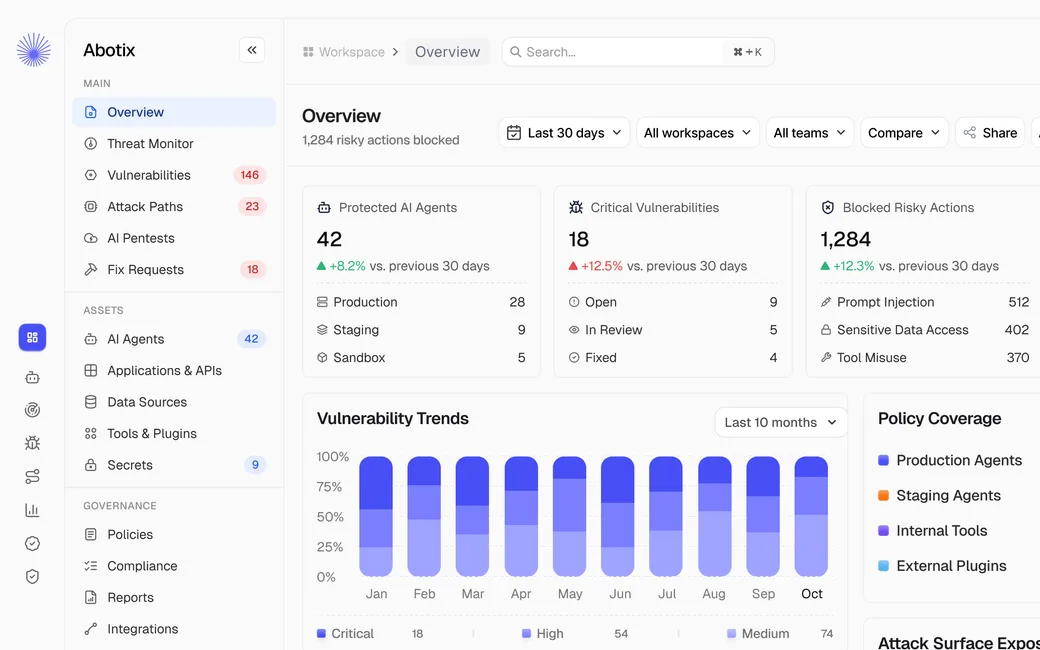
Abotix dashboard UI kit
ProAI security, threat monitoring and red teaming
171 components, 171 in code, 9 page templates
Figma and code from one source
- 1Design in Figma. Copy any component or full page into Figma as editable layers from its page, in the kit's own colours and type.
- 2Build in React. 2,636 components have React 19 + Tailwind CSS v4 code, published only after the render matches the Figma original. Install with
npx ingotui addor the shadcn CLI. See the docs. - 3Or let your AI agent build it. Connect the MCP server to Claude Code, Cursor, Codex or VS Code and the agent builds screens with the real components and tokens.
How it compares with other dashboard kits
| Ingot UI | Figma-only kits | Admin templates | |
|---|---|---|---|
| Figma file | Yes, per kit | Yes | Sometimes |
| Code that matches the design | React + Tailwind, checked against Figma | No | Yes, its own design |
| Domain screens | 9 product types | Usually one generic look | One app shell |
| Works with AI coding agents | MCP server | No | No |
| Free version | Yes (Loopo) | Sometimes | Sometimes |
Comparing named kits? Read the best dashboard UI kits, Ingot UI vs Untitled UI or Ingot UI vs shadcn/ui blocks.
Free kit and Pro
Free
The Loopo dashboard UI kit in Figma and code, the free components, every icon and the MCP server with a daily limit. Commercial use included.
Pro, Team and Lifetime
All 9 kits, every component in Figma and React, and unlimited MCP. Pay yearly, for a team, or once.
Dashboard UI kit questions
What is a dashboard UI kit?
A ready-made set of interface parts for building dashboards and admin panels: KPI cards, charts, data tables, filters, modals, drawers, navigation, settings and full page layouts, designed to work together in one style. Ingot UI ships each kit as a Figma library and as React + Tailwind code.
Is there a free dashboard UI kit?
Yes. Loopo is free in Figma and in React + Tailwind code, including its page templates, with commercial use allowed. The other 8 kits are part of Pro, Team and Lifetime; current prices are on the pricing page.
Can I use the kit in Figma?
Yes. Every component and page template can be copied into Figma as editable layers from its page, and each kit has its own colours and type. Designers and developers work from the same components.
Does the dashboard UI kit include code?
Yes. 2,636 components have React 19 + Tailwind CSS v4 code, and generated code is published only after its render matches the Figma original. Install with npx ingotui add, the shadcn CLI, or let an AI agent add it through the MCP server.
Can I use it in commercial and client projects?
Yes, in unlimited personal and commercial projects, including client work. You may not resell or redistribute the kit itself. The licence explains it in plain English.
How is it different from a Figma-only dashboard kit?
Figma-only kits stop at the design, so the code is still yours to write and to keep in sync. Ingot UI gives the Figma file and matching code for the same components, plus tools so AI coding agents build with them.